Listing video maker
Present the whole home clearly using photos and videos you already have.
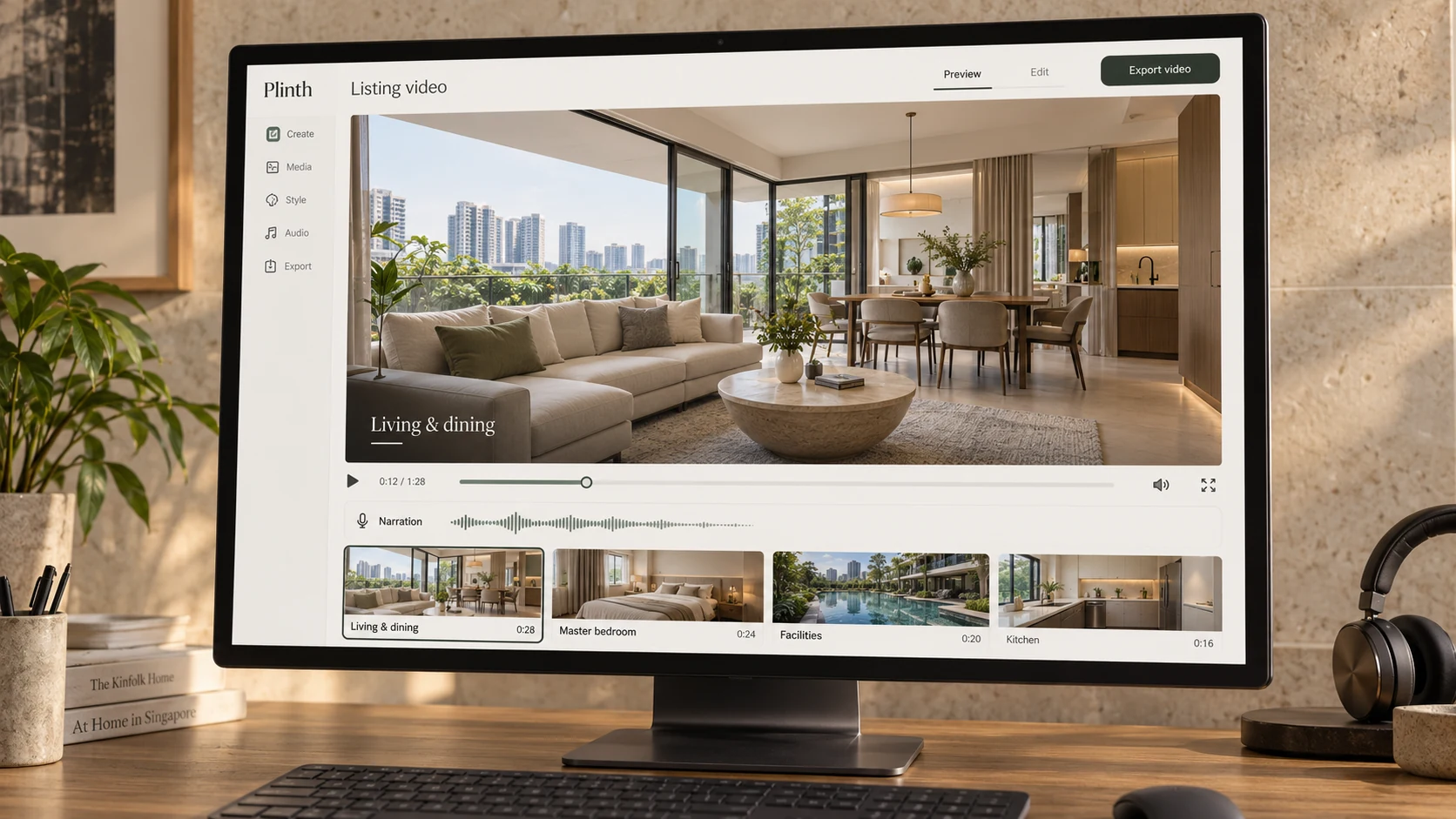
How it works
Start with what you have
Upload your existing room photos and clips. No additional filming needed.
Give every room a story
Plinth combines property research with the details you add to draft the narration. Highlight a renovation, a favourite feature or something buyers might miss, and the script adapts around it.
Bring the home to life
Review the script, choose a generated voice or record your own, and create the video with built in transitions, animations and fact cards.
Why it matters
Listing videos can communicate a wealth of information in a short time, helping buyers understand a home, its surroundings and what makes it worth considering. Yet many follow the same familiar pattern: photos and clips stitched together, with little explanation of why the property deserves attention.
A stronger video connects what buyers see with what those details mean. A room’s dimensions become space for a home office. Nearby amenities become everyday convenience. Your knowledge of the property gives the footage substance and buyers a reason to keep watching.
Creating that yourself means researching, scripting, recording and editing. Plinth brings those steps together so you can produce a complete listing video without building it from scratch or outsourcing every edit.
How Plinth helps
Plinth’s script maker draws on research into the property and nearby amenities, alongside the information you provide. Add details about renovations, fittings, how a room is used or features you want to emphasise. Plinth works them into the narrative, connecting the home’s selling points to everyday living.
You review and edit the narration room by room, control the room order and choose a generated voice or record your own. The research provides the starting point, and your knowledge makes the presentation specific to the home.
Custom designed transitions, animations and overlays bring the story together. Fact cards highlight details alongside the footage, while Plinth handles the assembly and timing, giving the finished video a distinctive, considered presentation without the manual editing work.
Reel maker
Turn phone clips into a viral short-form video for social media.
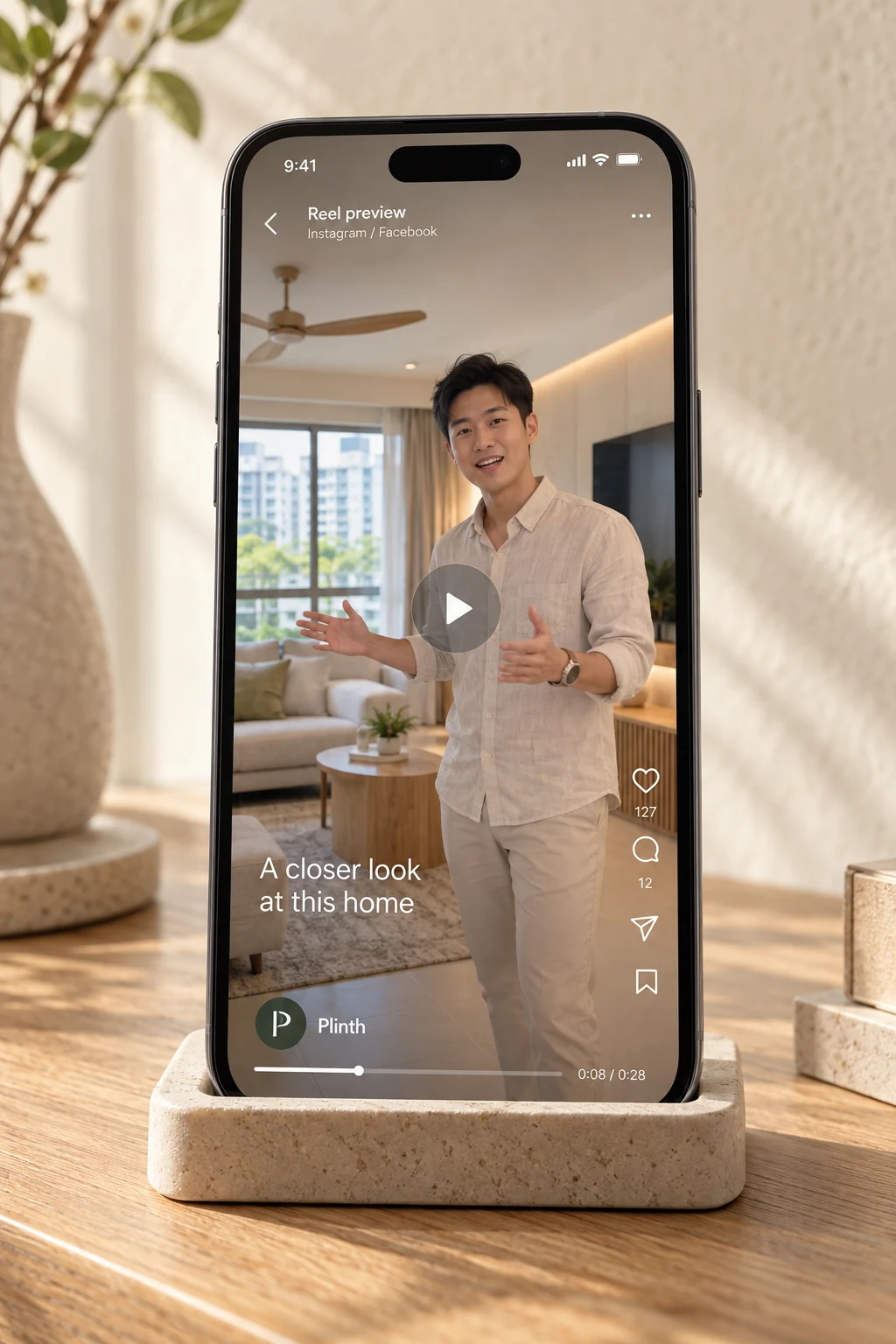
How it works
Find your format
Choose from property showcases, agent led walkthroughs and personality led reels, with hooks and editing styles inspired by successful property content.
Film with direction
Follow a script and step by step recording instructions, or use footage you already have, including clips from professional shoots.
Leave the editing to Plinth
Upload your clips and Plinth brings together captions, transitions, sound effects and visual effects. Review the edit, make it your own and export a vertical reel.
Why it matters
Your listings change, but your name stays with every one. Reels give you a way to showcase the homes you represent while letting people get familiar with your voice, personality and approach.
The challenge is producing that content consistently. A professional shoot can give you excellent footage, but each reel still needs an opening, a structure and an edit. Filming yourself means working out what to say, how to capture it and how to put it together afterwards.
Plinth helps you get more content from each shoot and create fresh videos between them. You can keep showing up with a mix of property and personal content, without planning and editing every reel from scratch.
How Plinth helps
Plinth’s formats bring the hook, script, filming instructions and edit together. You know what to say and how to record each segment, with the footage planned around the transitions and effects used in the finished reel.
The formats draw on techniques used in top performing property content, including captions, pacing, sound effects, visual effects and colour grading. Some keep the home front and centre, while others put you on camera or alternate your explanation with a montage of the property.
Already working with a professional video team? Use footage from those shoots, including drone shots, to create multiple reels with different openings and formats. Quality footage gives you the material, and Plinth helps you find more ways to use it.
For videos you film yourself, follow the recording guide and upload your clips. Plinth handles the edit and improves audio clarity, while you review the script, captions and finished video before exporting. The result is a repeatable way to create content that promotes both the property and the person selling it.
Redesigner
Help buyers imagine their ideal home.
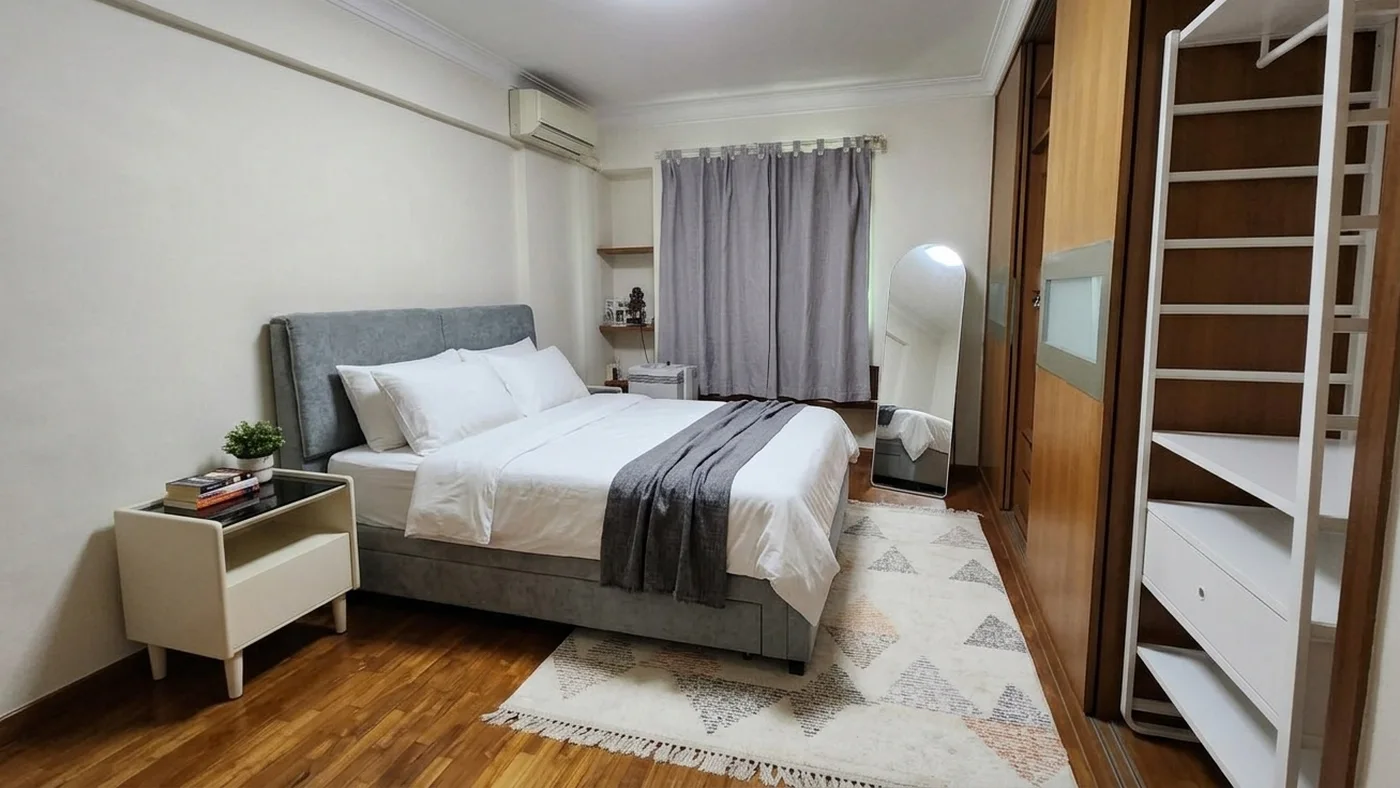
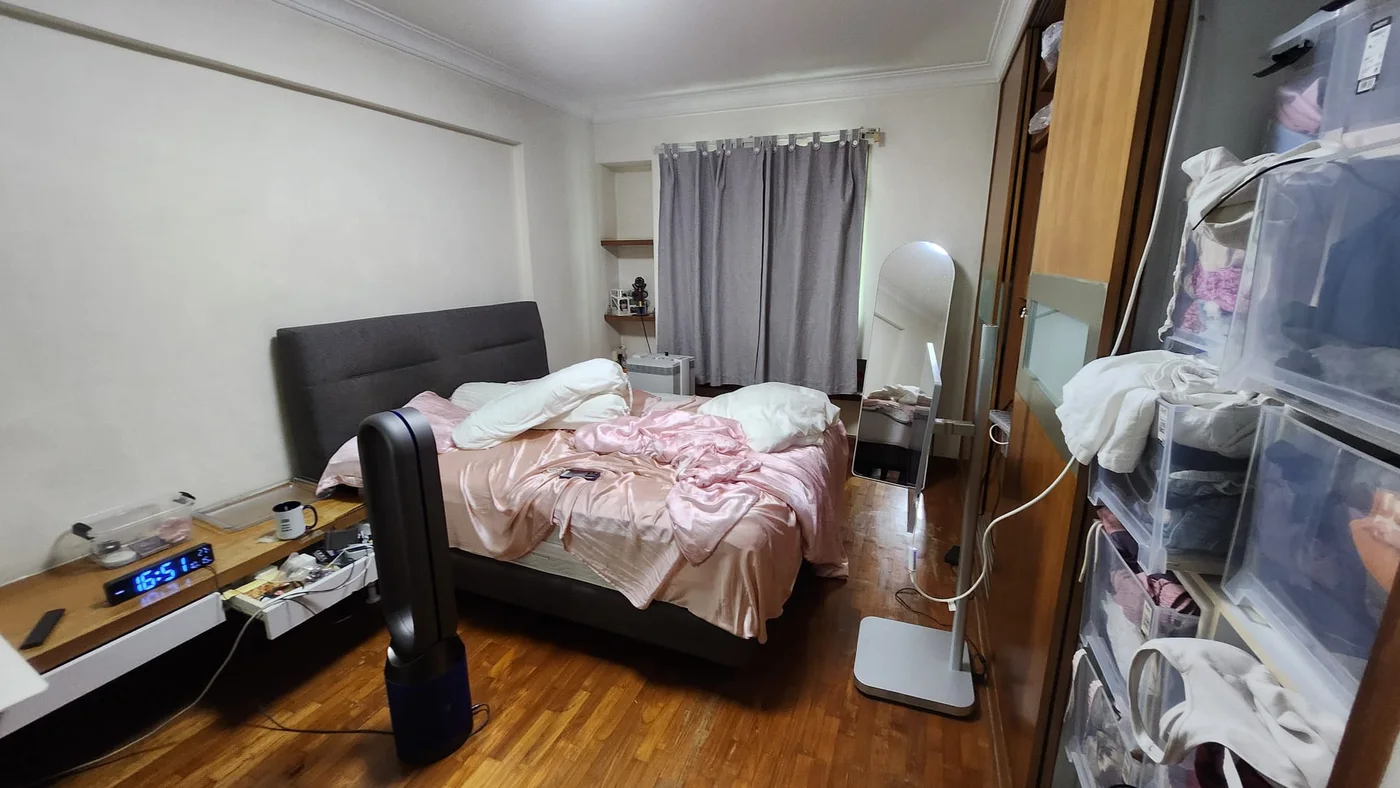 AfterReal photos of a real room
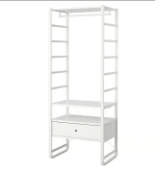
IKEA Singapore
ELVARLI Wardrobe combination - white 84x55x216 cm
S$440
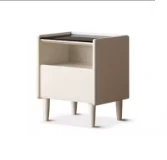
HipVan
Shirlee Bedside Table 0.4m
S$199
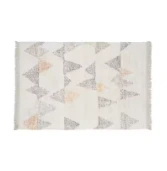
HipVan
Aaron Low Pile Rug - 2.3m x 1.6m
S$159
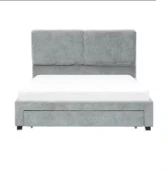
HipVan
Delcie Drawer Queen Bed - Grey
S$499
How it works
Design it your way
Upload a room photo and describe the look you want. Three modes let you change only the furniture, update finishes such as floors and ceilings, or completely redesign the space.
More than an impressive render
Keep the actual room recognisable, including its lighting and camera angle, when exploring furniture changes. Take the transformation further only when renovation is part of the plan.
Find real furniture within budget
Choose pieces from the catalogue, or let Plinth match them to your room and instructions. Explore budget-friendly options from retailers serving Singapore, with prices and shopping links.
Why it matters
A dramatic makeover can look attractive yet feel disconnected from the home buyers actually viewed. If everything changes at once, it becomes difficult to tell what furniture alone could achieve and what would require renovation.
Buyers need different levels of transformation. Some want to move in and furnish; others plan to replace finishes or redesign throughout. Plinth helps you show possibilities that match those intentions.
Real products and prices make the result more useful. Buyers can explore where to find the furniture and what it costs, giving them a practical starting point for making the space their own.
How Plinth helps
Start with a photo of an empty or furnished room and describe your ideas. Specify a feeling, colours, materials or individual pieces without being restricted to preset themes.
Choose how much to change. Furnishing mode retains the existing room, finishes, lighting and viewpoint. The second mode explores new surfaces such as flooring and ceilings. Full redesign allows a more extensive visual transformation.
Select specific sofas, beds and other items from the catalogue, or let Plinth choose. It considers the uploaded room, the overall design and your instructions to find pieces that work together, including affordable options from retailers such as IKEA and FortyTwo.
Compare the result with the original and share it with your client, complete with furniture prices and shopping links.
3D tours
Let buyers explore the home before booking a viewing.
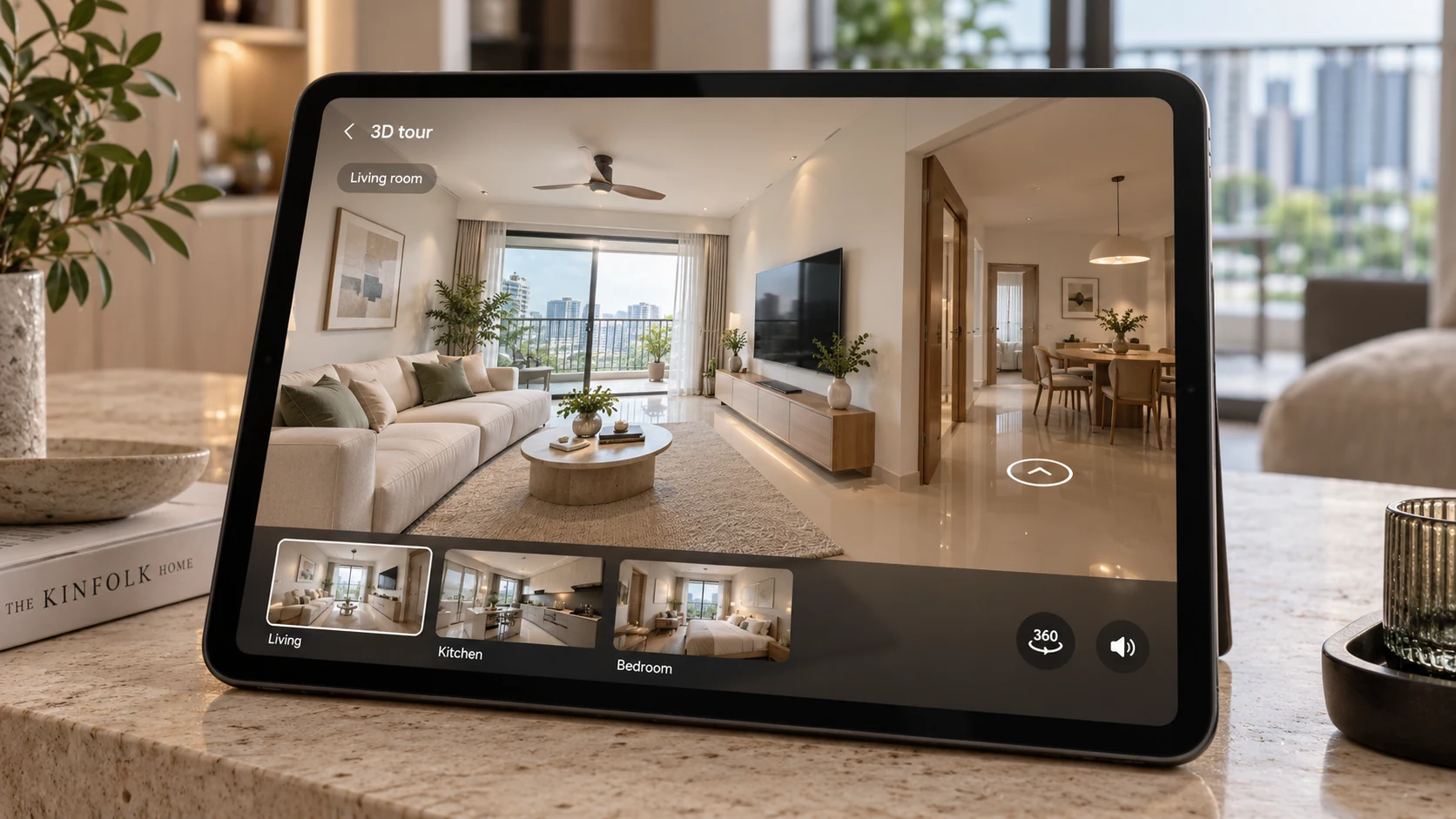
Interactive rendering is unavailable in this browser. The full panorama is shown as an image.
How it works
Bring your panoramas
Connect your 360° images into a room-by-room tour, including panoramas exported from Matterport.
Make it relevant to your buyer
Add voice narration and clickable details that address what your client actually cares about, from the bedroom layout to what furniture is included.
Share it directly
Send your client a private link, or export the whole tour as one file.
Why it matters
A tour helps buyers explore a property, but each buyer has different questions. Someone might be looking for a space to work from home. Another wants a closer look at the kitchen after their viewing.
For a buyer who is seriously considering the property, a personalised tour gives them something useful to revisit and discuss with their family.
How Plinth helps
Already using Matterport? Keep using it. Bring your exported 360° panoramas into Plinth when you want to create a tour tailored to a particular client.
Add an explanation beside the feature they asked about, include a closer photograph, or write narration that walks them through the rooms most relevant to their needs. They can explore at their own pace, with your guidance still there.
It gives you a practical way to follow up: a tour that responds to your conversation.
Live guided tours
Walk through the property together, wherever your client is.
We’re planning built-in video chat and synchronised navigation, so you can join your client inside the tour, guide them from room to room, and answer questions while you’re both looking at the same thing.
See our promiseQuestions agents ask
Media: videos, reels, redesigns and 3D tours
- How do I make an HDB or condo listing video?
- How do I make property reels for Instagram and TikTok?
- What makes a good property reel for a Singapore listing?
- Can I virtually stage or redesign an HDB room with AI?
- Can I use a redesigned room in a listing?
- How do I make a 3D virtual tour of an HDB flat or condo?
- Do I need a 360° camera for a Plinth tour?
- Can I see who viewed my virtual tour?